Skip to content

Rental operations software

Run every rental with clear control from day one

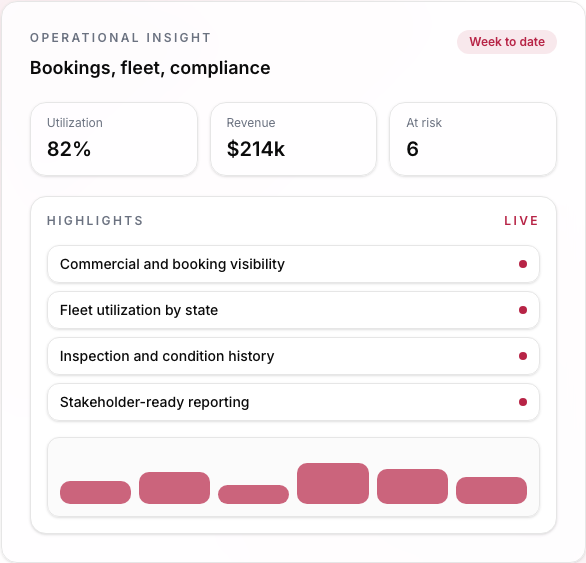
Resvo gives ambitious rental operators one command layer for daily execution, from a single location to a growing network, across booking lifecycle, fleet states, handoffs, and maintenance.

  • One connected command view from Draft to Completed.
  • Tasks are triggered, assigned, and tracked instead of managed by memory.
  • Every operational decision has clear context, ownership, and history.
Operations manager using Resvo dashboard
Operations Command View
Vehicle availability and swapsInspections, handoffs, and signaturesPricing adjustments and payment status

Suggested 90-day KPI targets

Measured impact in the first 90 days

95%+

On-time task completion

<15 min

Pickup handoff cycle

<24 hrs

Condition variance closure

100%

Traceable rental records

Capabilities that make operations more reliable every day

Each capability is designed to remove daily friction and improve execution quality across branches, teams, and rental statuses.

Booking Command Center

Operate every rental from one command center

Intro

Booking Command Center keeps customer, vehicle, payment, and task context in one live rental record from Draft to Completed. Teams execute core steps in one workspace, so exceptions are resolved faster and ownership stays visible.

What it solves

When rental context is split across tabs, chat threads, and side tools, teams lose time, miss steps, and close issues late.

Outcomes and impact

A single operational record per rental improves decision speed, reduces execution errors, and keeps accountability clear through every status change.
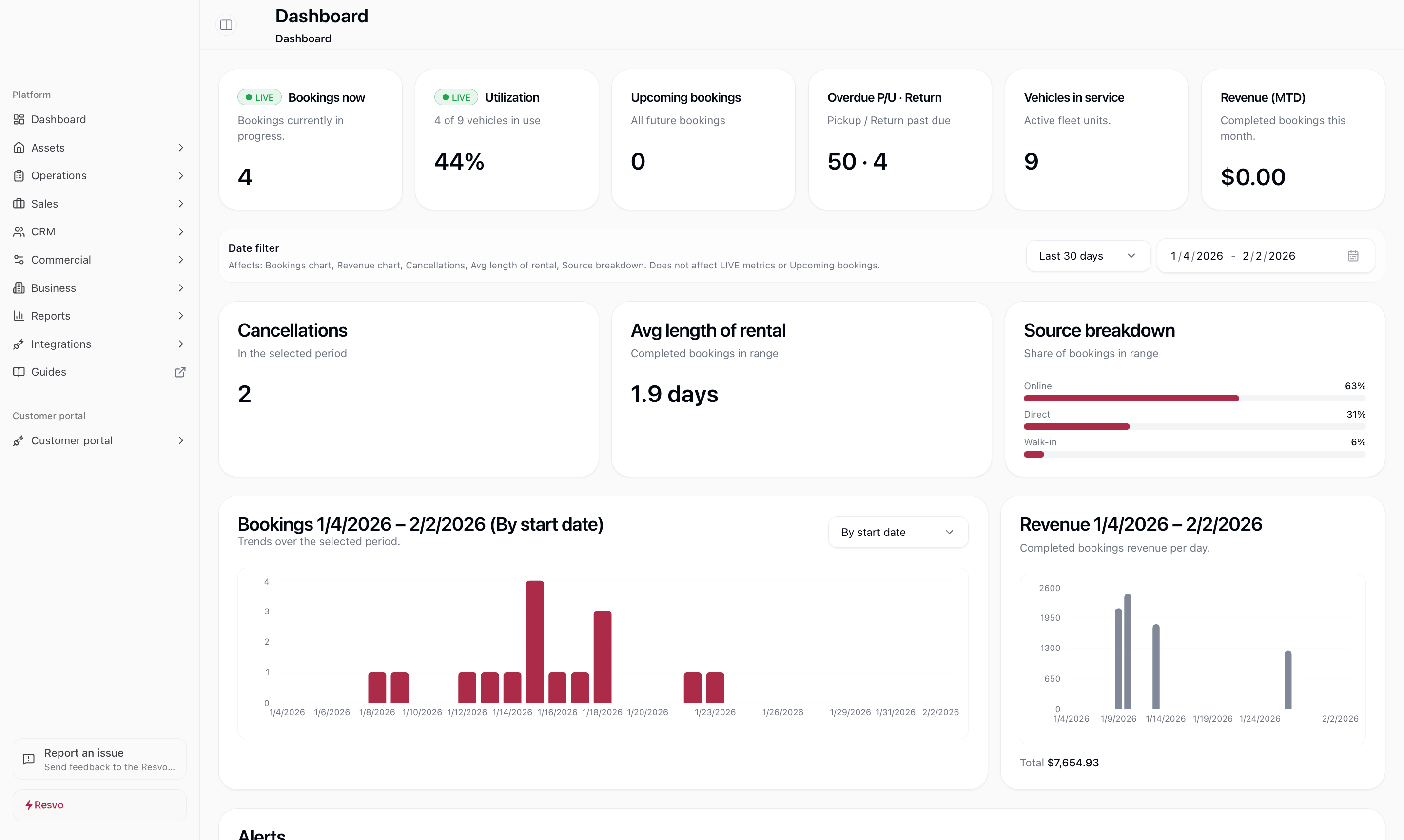
Booking Command Center with full rental context in Resvo

30-40%

Faster exception resolution

Teams typically reduce booking and handoff exception resolution time by 30-40% when execution is centralized in one command workspace.

  • Teams see customer, vehicle, status, and payment context in one workspace before taking action.
  • Lifecycle progression from Draft to Completed stays visible in one timeline.
  • Swaps, inspections, handoffs, signatures, and tasks are executed without leaving the record.

Multi-Branch Movements

Position vehicles intentionally across branches

Intro

Multi-Branch Movements plans transfers with owner, ETA, and live status history. Branches reposition vehicles ahead of demand instead of reacting at the last minute.

What it solves

Without a structured transfer workflow, repositioning becomes reactive and vehicles arrive late where demand is highest.

Outcomes and impact

Planned movements raise availability in the right branch, reduce idle time, and lower last-minute transfer friction.

Multi-branch movement scheduling and ownership in Resvo

95%+

On-time branch transfers

With assigned owners, ETAs, and live status tracking, teams typically maintain 95%+ on-time inter-branch transfer completion.

  • Operators confirm origin, destination, ETA, and assigned owner before each transfer starts.
  • Movement status and handoff history remain visible for every branch involved.
  • Availability updates automatically as transfers move from scheduled to completed.

Reminders & Tasks

Turn obligations into owned, trackable execution

Intro

Reminders and Tasks turns renewals, prep work, inspections, and maintenance follow-ups into structured tasks with owners and due states. Completion history stays visible for coaching and audit.

What it solves

When obligations live in memory or informal communication, deadlines slip and proof of completion gets weak.

Outcomes and impact

Clear assignment and due-state visibility improve execution pace, reduce missed follow-ups, and strengthen accountability.

Operational reminders and tasks queue with ownership in Resvo

95%+

Target on-time closure

With assignment rules and due-state visibility.

  • Teams prioritize work from one queue with due, overdue, and completed states.
  • Each task has a clear owner, so accountability is visible without side-channel follow-up.
  • Managers can review completion history by person and timestamp in one activity trail.

Downtimes & Maintenance

Protect availability by controlling downtime as a state

Intro

Downtimes and Maintenance manages out-of-service vehicles as controlled states, with triggers by time, mileage, inspection outcomes, or custom rules. Availability updates automatically while work is open.

What it solves

Reactive maintenance and manual tracking create surprise unavailability and scheduling conflicts.

Outcomes and impact

Planned downtime reduces disruptions, protects utilization plans, and helps teams return vehicles to ready status faster.

Vehicle downtime and maintenance status management in Resvo

0 blind spots

Downtime visibility

Out-of-service states update availability in real time.

  • Staff can see why a vehicle is out of service, who owns the task, and when it should return.
  • Downtime can be triggered by mileage, inspection outcomes, or scheduled service intervals.
  • Availability returns automatically when work is completed and the vehicle is marked ready.

Fleet Inspections

Standardize condition evidence without rigid workflows

Intro

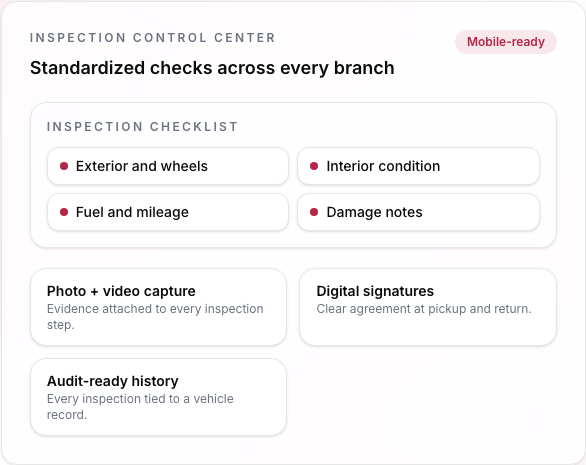
Fleet Inspections provides configurable workflows for pre-rental, post-rental, maintenance return, and audit checks. Evidence is captured in structured records tied to vehicle history.

What it solves

Generic checklists and inconsistent routines produce uneven evidence quality and weak condition accountability.

Outcomes and impact

Standardized evidence improves consistency, strengthens defensibility, and creates actionable condition intelligence.

Configurable fleet inspection workflow and evidence capture in Resvo

100%

Structured condition evidence

Template-driven inspections with audit-ready records.

  • Teams run inspection templates mapped to pre-rental, post-rental, service return, or audit scenarios.
  • Condition evidence is captured with photos, notes, and structured issue markers.
  • Before-and-after condition records stay linked to the rental history for faster resolution.

Customer Handoffs

Make every pickup and return consistent and defensible

Intro

Customer Handoffs guides pickup and return for on-site, off-site, and delivery scenarios with signatures, evidence, and assigned responsibility. Each handoff is linked to lifecycle and inspection history.

What it solves

Unstructured handoff moments create disputes, delays, and unclear responsibility at rental start and rental end.

Outcomes and impact

Consistent handoffs shorten turnaround, reduce claim friction, and protect team accountability.

Guided customer handoff flow with signatures and evidence in Resvo

<15 min

Target handoff cycle

Checklist, signature, and evidence captured in one flow.

  • Pickup and return steps are guided so teams complete the same checks every time.
  • Signatures and supporting evidence are captured in the same handoff flow.
  • Each handoff remains linked to inspection history and assigned staff ownership.

Inspections Analyst (AI)

Add a second layer of inspection oversight with AI

Intro

Inspections Analyst uses AI to compare start and end inspection evidence and flag subtle condition differences for review. Teams keep full control over final decisions.

What it solves

As booking volume and complexity increase, human-only review misses edge cases and slows resolution.

Outcomes and impact

AI-assisted review improves detection confidence, speeds case handling, and helps reduce avoidable dispute leakage.

AI-assisted inspection comparison and risk highlights in Resvo

<1 hr

Target discrepancy reviews

AI-assisted triage is designed to flag and route discrepancy reviews in under one hour.

  • AI surfaces subtle condition differences between start and end inspection evidence.
  • Risk flags include linked photos and context so reviewers can resolve cases faster.
  • Teams keep control with clear actions to acknowledge, escalate, or close each case.

Operational impact areas

Where performance gains show up every day

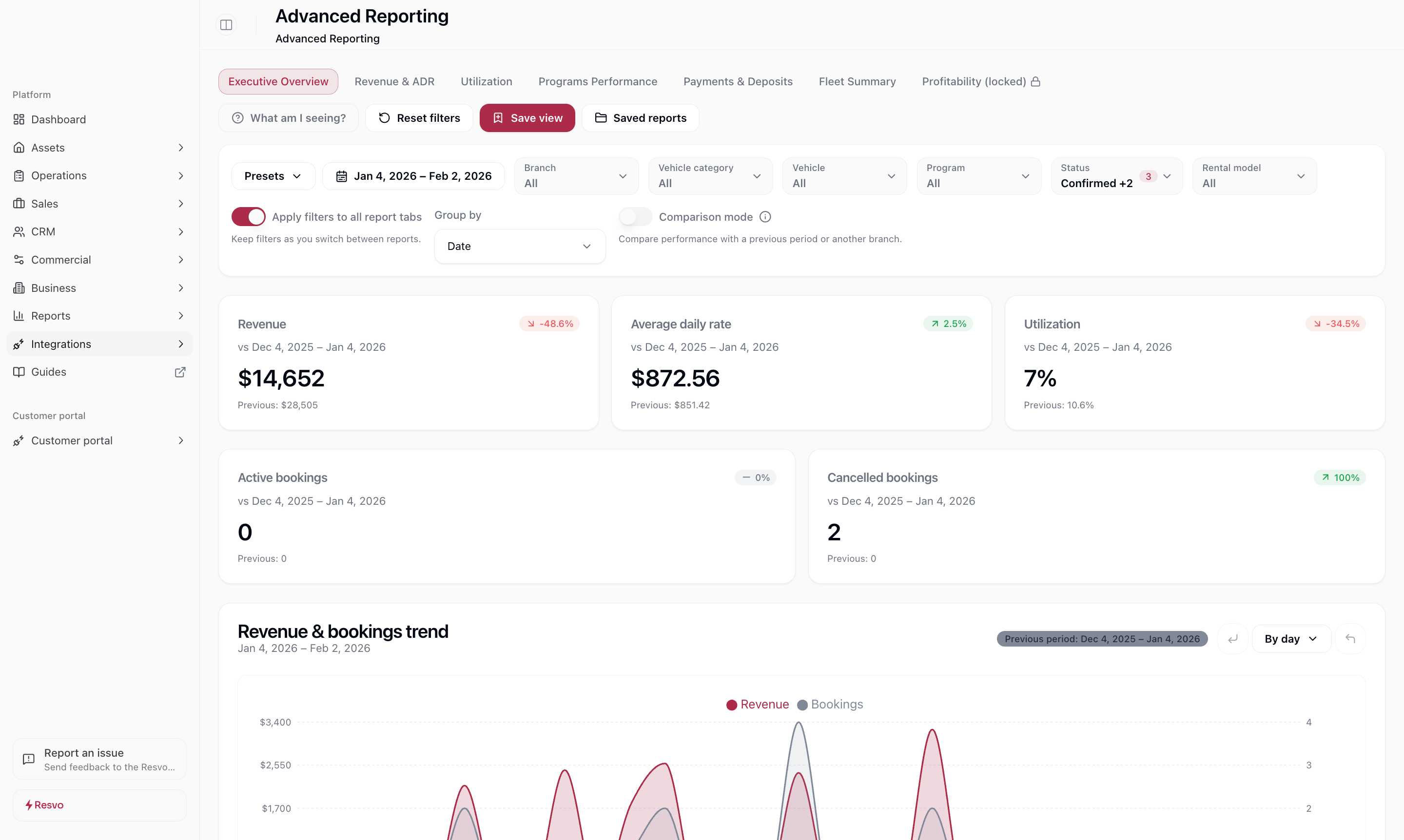
Resvo centralizes daily execution so operators move faster with clearer ownership, stronger readiness, and fewer avoidable disruptions across locations.

Customer at rental counter
Fleet check on tablet
Keys handed to customer

Speed and throughput

Dispatch, swaps, handoffs, and branch coordination run in one visible flow, so teams execute faster without status chasing across channels.

Error and risk reduction

Template-driven inspections, proof capture, and auditable history reduce missed steps, inconsistent decisions, and avoidable dispute exposure.

Availability and utilization

Planned movements and rule-triggered maintenance keep vehicles in the right place and reduce surprise availability gaps during peak demand.

Team efficiency and accountability

Task ownership, due states, and completion history make responsibility explicit, so managers track progress without manual follow-up loops.

Management confidence and control

Leaders trust operational status because pickups, returns, inspections, and decisions are captured in-system with clear responsibility and evidence continuity.

What operators report after standardizing operations in Resvo

What operators report after standardizing operations in Resvo

These examples reflect teams replacing ad-hoc coordination with one operational system and clear ownership.

We stopped running daily operations from chat threads. The booking record became our command center and handoff mistakes dropped quickly.

100%

Traceable handoff ownership

O

Operations Manager

Multi-branch rental company

Downtime and movement planning finally became predictable. We spend less time firefighting and more time keeping availability aligned with demand.

95%+

On-time operational tasks

F

Fleet Supervisor

Regional rental operator

Inspection and handoff disputes are easier to resolve because every action, signature, and evidence trail is already connected.

<24 hrs

Condition discrepancy closure target

B

Branch Director

Independent rental network

Rental fleet in parking lot

See how your operation runs with one connected system

Walk through your current workflow with a Resvo specialist and see where command center execution, tasks, and inspections can tighten control quickly.

Map current workflow and escalation pathsDefine KPI baseline and 90-day targetsAlign branch-level ownership and rollout plan

FAQ

Questions operators ask before implementing Operations Hub

These answers cover rollout, customization, integrations, AI behavior, and data control.

How long does implementation usually take?

Most teams go live in phased steps. We map your current workflow first, configure priorities, and roll out with operator training so daily execution remains stable.

Can the workflows be configured to match how our branches operate?

Yes. You can configure inspections, handoffs, task triggers, and downtime logic to match local operating reality while keeping consistent controls across the network.

How does this connect with our existing systems?

Operations data can integrate with your broader Resvo setup and connected tools so status, customer context, and financial signals stay aligned across teams.

Does AI make decisions on our behalf?

No. Inspections Analyst provides review support by highlighting potential issues. Your team remains in control of operational decisions and final resolution.

Who owns our data and operational history?

You do. Resvo stores structured operational history with permissions and auditability so your team retains clear ownership and access control.